
- Mon–Fri
- Open days
- 8:00 AM
- Opens
- 5:00 PM
- Closes
- 12–1 PM
- Lunch break (closed)
Getting Started
How to Use Sensbook
Follow these simple steps to access the library.
1

Access Your Account
Use the Student ID / Employee ID / Alumni ID and password from your library account.
2
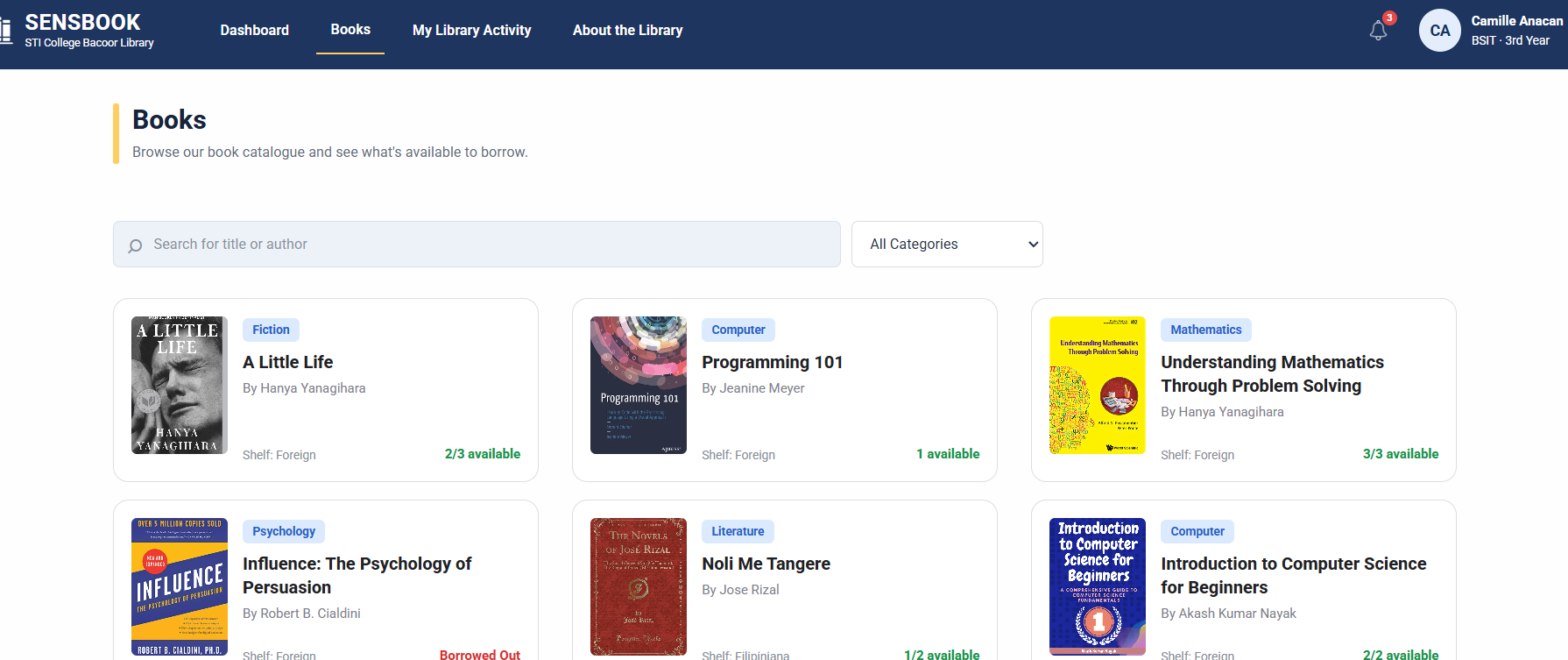
Search and Check
Search the book catalog, view book details and exact accession numbers, and check recorded copy availability and shelf locations.
3
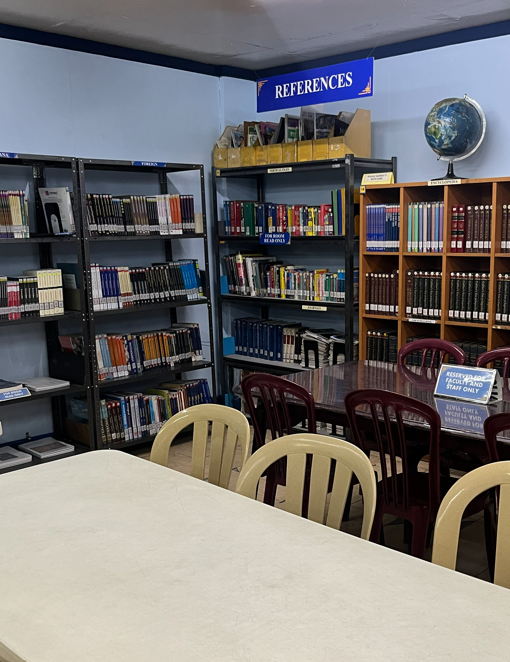
Visit the Library
Head to the library to locate and borrow your chosen book. Use the shelf location provided by SENSBOOK to find it more easily.
About SENSBOOK
Your School Library, Made Easier
SENSBOOK helps authorized STI College Bacoor students, faculty members, non-faculty staff, and alumni discover library resources through a updated book catalog.
View book information, individual accession numbers, recorded copy statuses, and shelf locations to plan your library visit. After signing in, view your own recorded loans, due dates, returns, renewals, and charges recorded by library staff and payment status in My Library Activity. Records reflect the latest successful update. Recent library changes may not appear immediately.
Our Purpose
To make library resources easier to discover through searchable book information and recorded copy availability.

PLAN YOUR VISIT
Everything Before You Head to Campus
Check our library hours, find us on campus, and learn what you need before borrowing.
Library Hours
Monday – Friday
8:00 AM – 12:00 PM
1:00 PM – 5:00 PM
Closed on weekends
Location
Tertiary and SHS Library, 2nd floor
STI College Bacoor
Before You Borrow
You need a borrower card to borrow books. To get one, bring a 1×1 picture to the library.
Frequently Asked Questions
Who is allowed to use SENSBOOK?
SENSBOOK catalog access is available to active, authorized STI College Bacoor students, faculty members, non-faculty staff, and alumni.
What should I do if I cannot log in to my account?
First, make sure you are using the correct login credentials. If you continue experiencing login problems, contact the library staff for assistance.
Can I read or download e-books?
No. SENSBOOK does not currently provide downloadable or online e-books. It serves as an online catalog where users can browse physical books and check their availability in the library.
Can I reserve or borrow books online?
No. Borrowing and returning physical books must be completed at the library. You can view your own updated borrowing history, dates, recorded renewals, and charges recorded by library staff and payment status here. The website does not reserve, borrow, return or renew books, or record payments. You can change your password here.